Use the screen already specified
Add managed content to a suitable customer display instead of introducing another proprietary panel.

BT103
An Android multimedia box that turns compatible customer displays into managed building-information endpoints.

Overview
BT103 connects to an existing television or display by HDMI and adds Blutech-managed information and multimedia functions. Wi-Fi or Ethernet provides the network connection, creating a display experience similar in purpose to BT102 without replacing a suitable screen.
Add managed content to a suitable customer display instead of introducing another proprietary panel.
Combine multimedia, building data and facility information through an Android-based endpoint.
Connect through Wi-Fi or Ethernet according to the room and project infrastructure.
How it works
BT103 via HDMIWhere it fits
Installed behind or close to a compatible display, with the visual interface configured for the project.
Requires a compatible HDMI display plus agreed Wi-Fi or Ethernet connectivity and power.
Specifications
Confirmed figures are listed here. The datasheet for your configuration covers power, mounting, environmental ratings and dimensions.
Same family
 BT102Smart Info StationA wall-mounted information interface that brings live building and IoT data into the physical space.
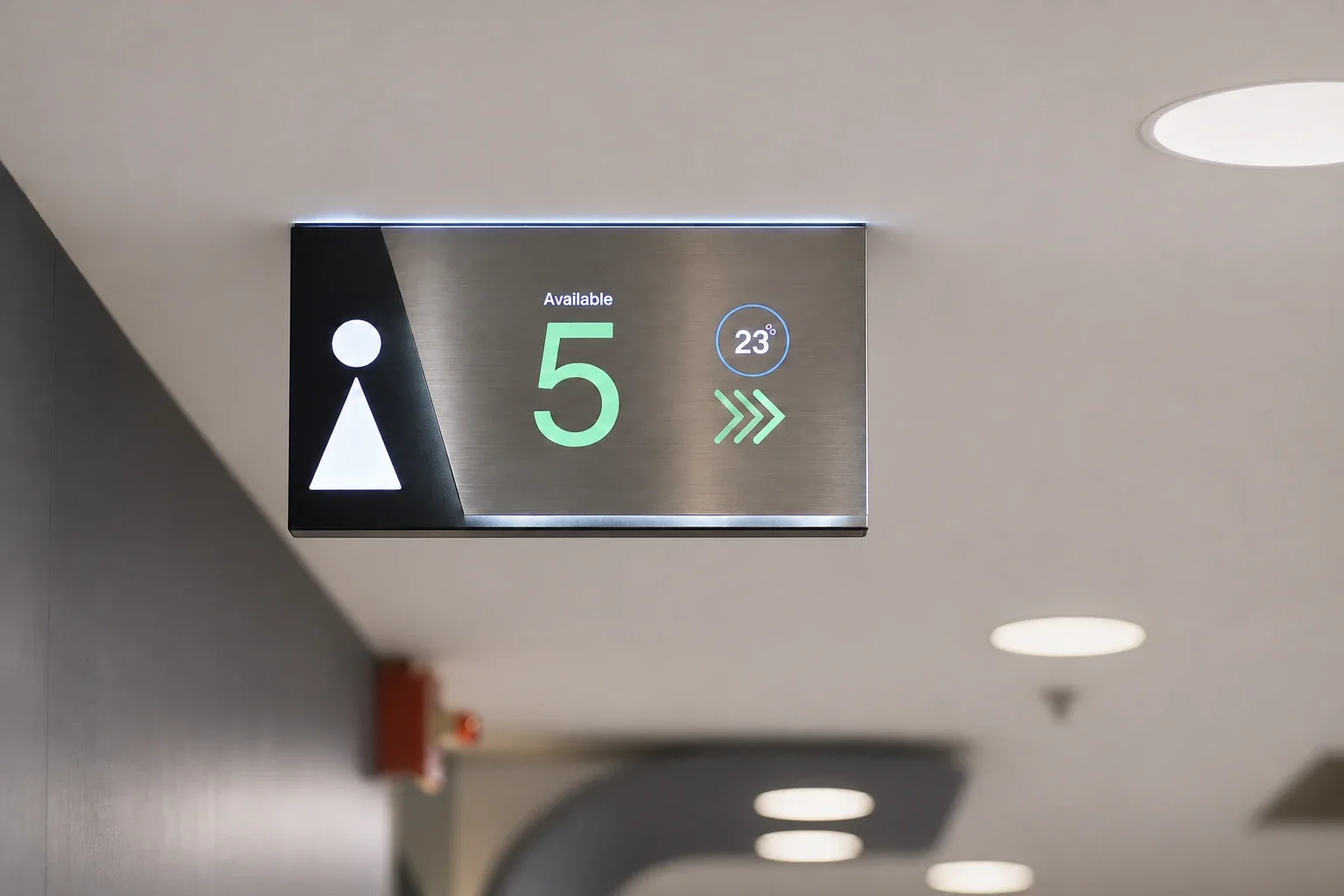 BT101Smart SignageCompact connected signage for presenting live facility information and project content at the point of use.
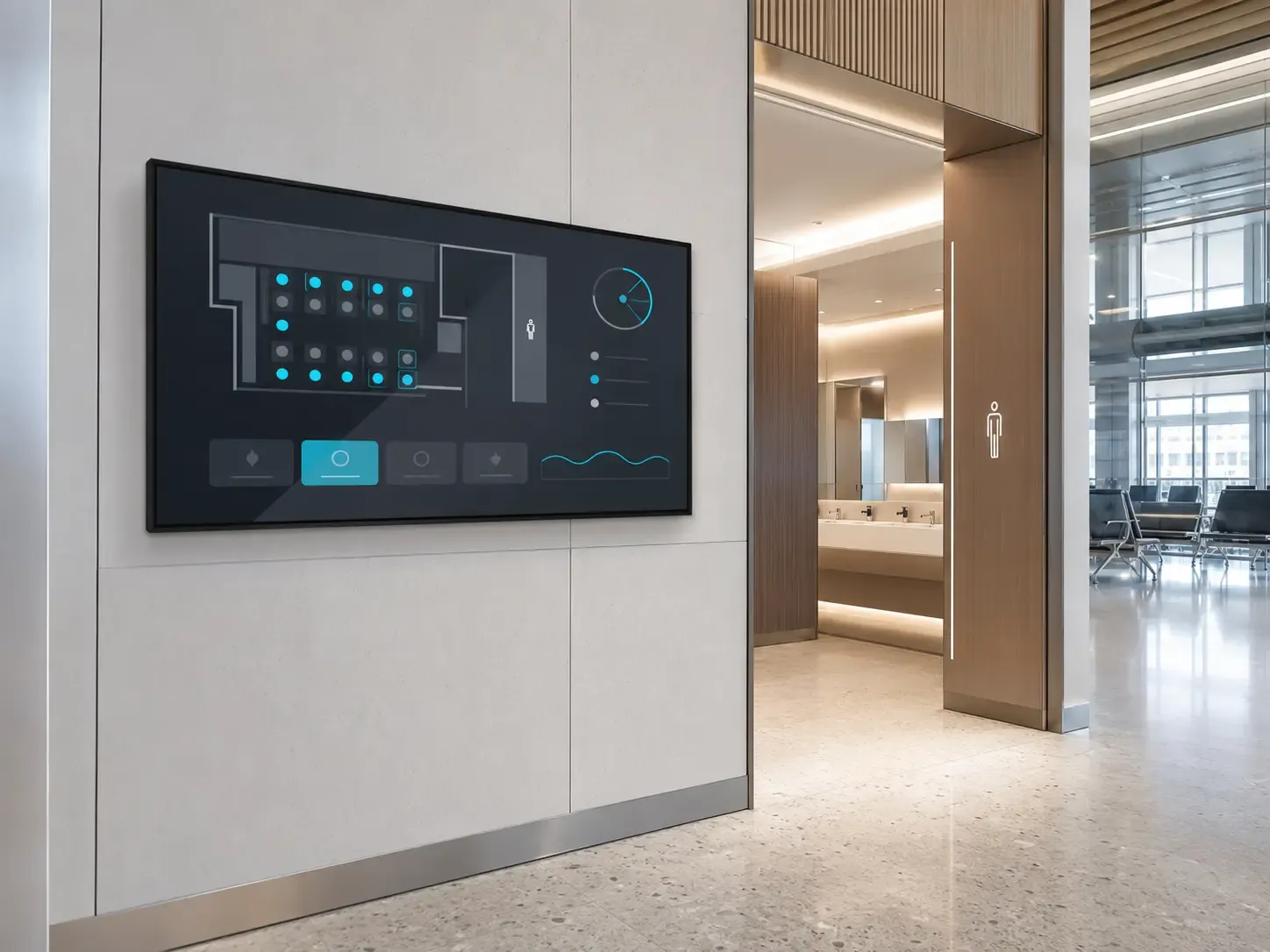 BT107Smart DisplayA managed 43-inch display for live facility status and building information.
Discuss your project
Share the property type, the systems already in place and what you want to improve. We will come back with a practical pilot, integration path and how results will be measured.